Managing Anomali Intelligence Channels
Anomali Intelligence Channels (AICs) provide access to high-quality curated data optimized for specific threat intelligence categories such as fraudulent activity, phishing, malware, and others. AICs are powered by Anomali and partner intelligence feeds. If your organization is interested in a particular intelligence initiative, you can subscribe to the corresponding AIC and monitor threat intelligence from multiple feeds through a single channel.
Currently, you can activate the following intelligence channels via ThreatStream APP Store:
| Intelligence Channel | Description |
|---|---|
| Anomali Adversary Intelligence | Observables (IPs, domains, and file hashes) associated with APTs, delivered with complete threat context such as actor and malware attribution, TTPs, industry, country, severity, and confidence scoring. Powered by Bitdefender. |
| Anomali Energy Threat Defense | Intelligence focused on threats against the Energy, ONG (Oil and Natural Gas), Utilities, Critical Infrastructure, ICS, OT, and SCADA sectors, including malware that targets the Middle East. Use the Geopolitical filter to locate the channel in the App Store. |
| Anomali Global Security Event Intel | Intelligence focused on Global Security Events (GSEs) such as Cl0P Ransomware, CVE-2023-34362, and CVE-2023-35708, containing news, advisories, and research reports enriched with Anomali Copilot, relevant indicators, and Yara/SIGMA/SNORT signatures. Currently available as a free limited preview. |
| Anomali Malware Intelligence | Intelligence focused on providing additional context and insights on known and suspected malware samples. Use the Malware Intelligence filter to locate the channel in the App Store. |
| Anomali Mobile Threat Defense | Intelligence focused on mobile OS systems (Android, iOS) and malware/smishing threats that target these platforms. Use the Mobile filter to locate the channel in the App Store. |
| Anomali Vulnerability & Exploit Intelligence | Hashes collected from real-life sensors for vulnerable files and exploits associated with CVEs. Powered by Bitdefender. |
For your convenience, you can also add the corresponding dashboards to receive alerts about the intelligence received from your active ATR-curated intelligence channels. See Adding Themed Custom Dashboards to Your Home Page to learn how to add a themed custom dashboard to your home page.
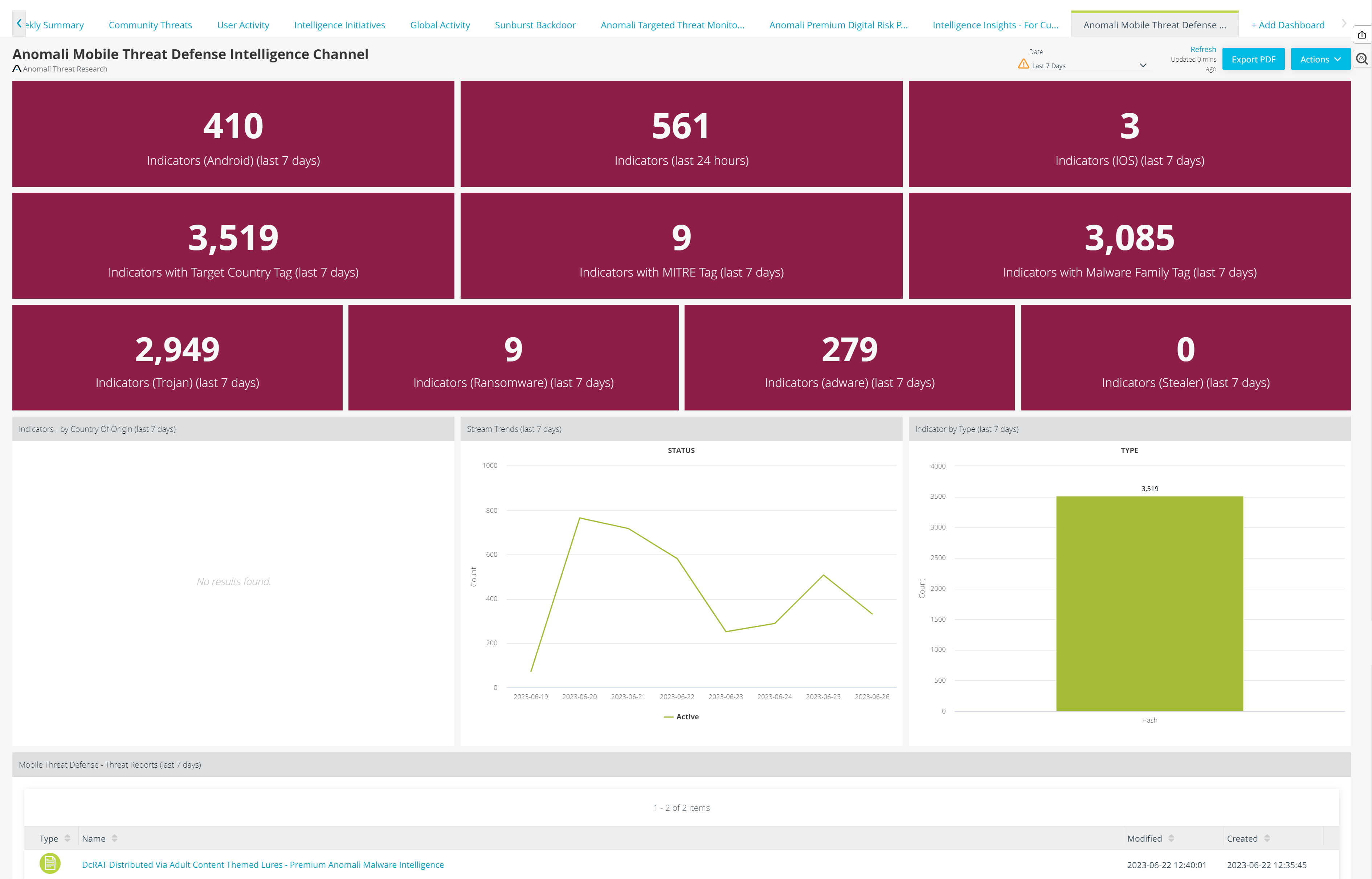
Below is the example of the Anomali Mobile Threat Defense Intelligence Channel dashboard.
Activating Anomali Intelligence Channels
Anomali intelligence channels can be found in the top left corner of the APP Store. AICs are currently available for activation on a trial or paid basis. After getting access, you will receive further subscription and activation information through email.
Your organization can subscribe to an AIC on a free trial basis. After monitoring its impact, you can decide whether or not to purchase a subscription at the end of the trial period.
After activating a free trial, the number of days remaining in your trial is displayed on the APP Store user interface. Anomali Support will contact you via email when the trial expires. You can then purchase the AIC to continue receiving intelligence on a permanent basis.
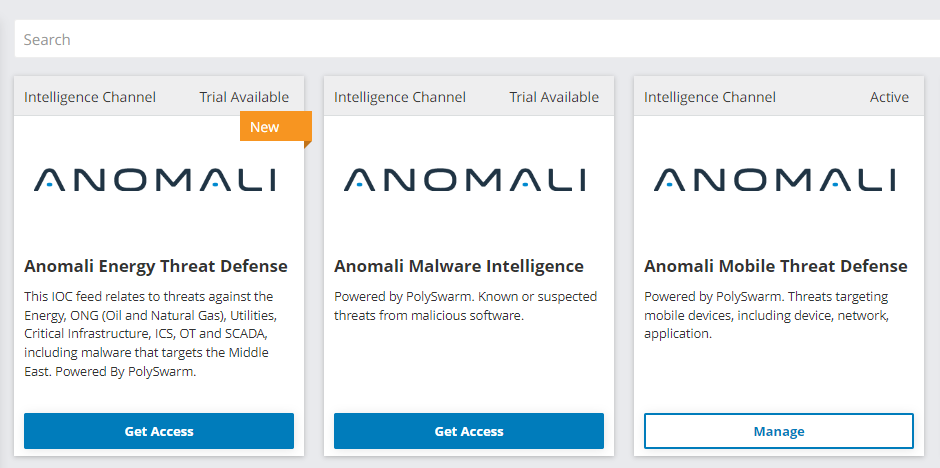
To start using AICs, you need to activate them first.
To activate an Anomali intelligence channel:
-
Navigate to ThreatStream > APP Store > APP Store.
-
Locate the AIC of your interest.
-
If you are using the tile view, click Get Access, accept the evaluation agreement, and click Request a Trial.
If you are using the list view, click the name of the AIC, accept the evaluation agreement, and click Request a Trial.
Anomali will contact you to complete the activation process.
Note: Since the Anomali Global Security Event Intel intelligence channel is powered by Auto Lens+, use the activation instructions for Auto Lens+ RSS feeds to activate this intelligence channel. See Managing Anomali Copilot RSS Feeds for details.
Deactivating Anomali Intelligence Channels
If you no longer want to use an AIC, you can always deactivate it.
To deactivate an Anomali intelligence channel:
-
Navigate to ThreatStream > APP Store>APP Store.
-
Locate the AIC that you want to deactivate.
-
Click Manage.
-
In the window that opens, click Deactivate.
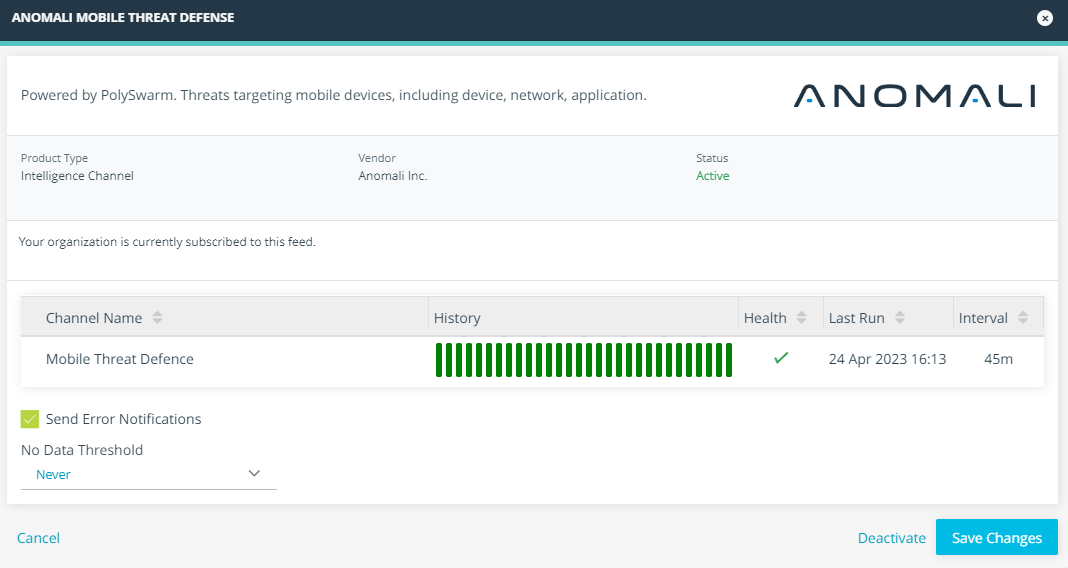
The AIC is now deactivated.